

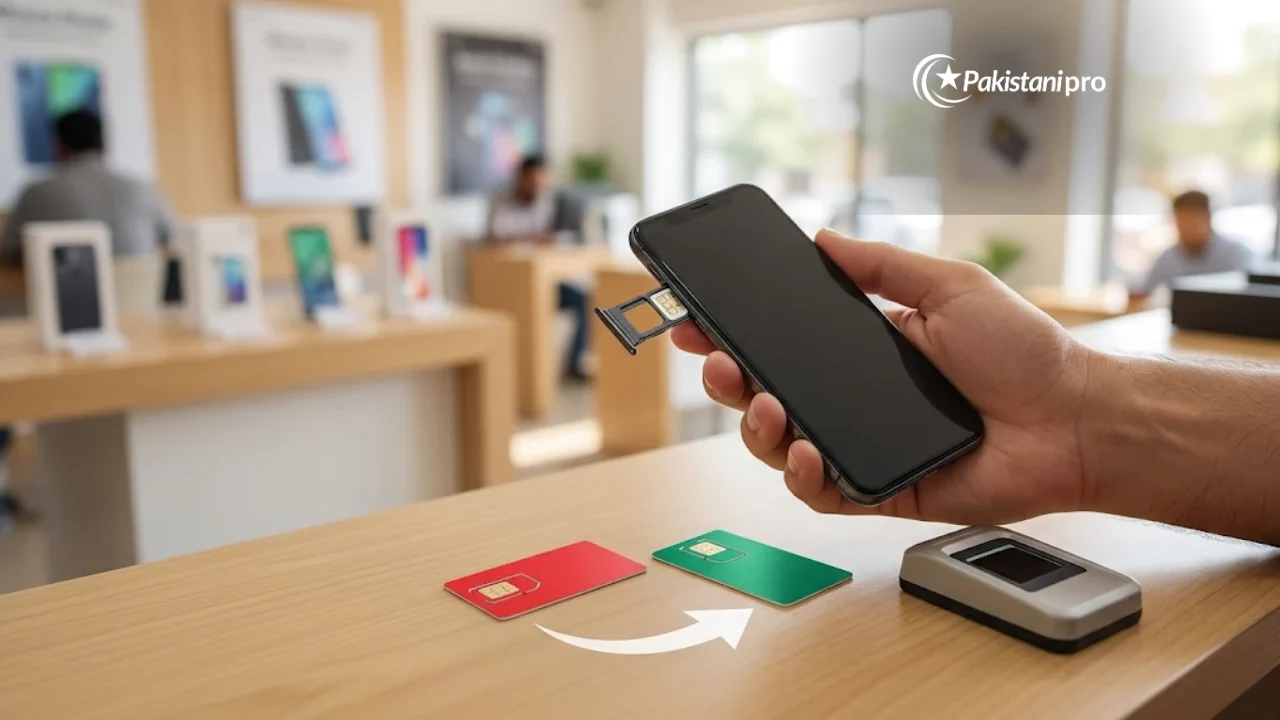
To port your number to another network in Pakistan, send “MNP” to 667 from your current SIM, then visit the new network’s franchise with your original CNIC for biometric verification. Your number stays the same and the switch usually completes in about four days. The process is governed by the Pakistan Telecommunication Authority’s MNP Porting Process Guidelines and the Mobile Number Portability Regulations, 2005.
MNP at a Glance
| SMS to start | Type MNP and send to 667 |
| Where to complete | New network’s franchise or customer service centre |
| Documents | Original CNIC + biometric verification |
| Time | About 4 days |
| Number | Stays the same, including the old prefix (e.g. 0300) |
| Minimum wait | 60 days after getting or last porting the number |
Step-by-Step: How to Port Your Number
- Send MNP to 667 from the SIM you want to port. Your current network replies with the name and CNIC registered on the SIM.
- Check the details. The SIM must be registered on your own CNIC. If it is on someone else’s CNIC, transfer ownership first.
- Visit the new network’s franchise within 10 days with your original CNIC and the phone with your old SIM.
- Give fingerprints (verified with NADRA) and sign the port-in form.
- Get a new SIM. Keep using the old one; the new SIM starts working when the old one loses service, usually in about four days.
MNP Short Codes by Network
PTA’s MNP list assigns each operator its own short code, as reported in published guides. Ask the receiving network at the franchise which code applies to your request:
| Network | Code |
|---|---|
| Jazz | 76300 |
| Zong | 76313 |
| Ufone | 76333 |
| Telenor | 76345 |
Rules to Know Before You Port Your Number
- 60-day rule: You cannot port a number within 60 days of getting it, porting it in, or changing its ownership.
- Postpaid dues: Clear your bill up to the date of the request, or the port will be rejected.
- Prepaid balance: Unused balance and bundles are not transferred or refunded. Use them before porting.
- In person only: Biometric verification means you must visit the franchise yourself.
Is There a Fee to Port Your Number?
PTA does not fix a porting fee for customers; the receiving network decides whether to charge anything. None of the four operators publishes an MNP fee online, so ask at the franchise counter before you start, and note that any fee paid is not refunded if you cancel.
Common Reasons a Port Request Is Rejected
- Late visit: you did not reach the new network’s franchise within 10 days of sending MNP to 667. Send the SMS again and visit sooner.
- Unpaid postpaid bill: clear all dues with your current network, then reapply.
- SIM not on your CNIC: transfer ownership first, then wait 60 days.
- Number too new: it has been less than 60 days since you got or last ported it.
Why People Port Their Number
Common reasons include better signal in your area, cheaper packages or faster 4G on another network, while keeping the number your family, bank and WhatsApp already use. Compare coverage at home and work before you port your number, because porting back also requires waiting 60 days.
Frequently Asked Questions
Will my number change after porting?
No. Your number, including its original prefix such as 0300 or 0345, stays the same on the new network.
How many days does MNP take in Pakistan?
Usually about four days after the new network starts the process, provided there are no dues or holds.
Can I port a SIM registered on my father’s CNIC?
Not directly. The SIM must be on your own CNIC, so transfer ownership first. Note that the 60-day rule restarts after an ownership change.
What happens to my WhatsApp and bank OTPs?
They keep working because your number does not change. There may be a short gap of service on the day the switch happens.