
How to Check SIMs on Your CNIC: Easy 668 SMS and Online Method
Check how many SIMs are registered on your CNIC by SMS to 668 or online, the 5 voice + 3 data SIM limit, and how to remove a SIM that is not yours.

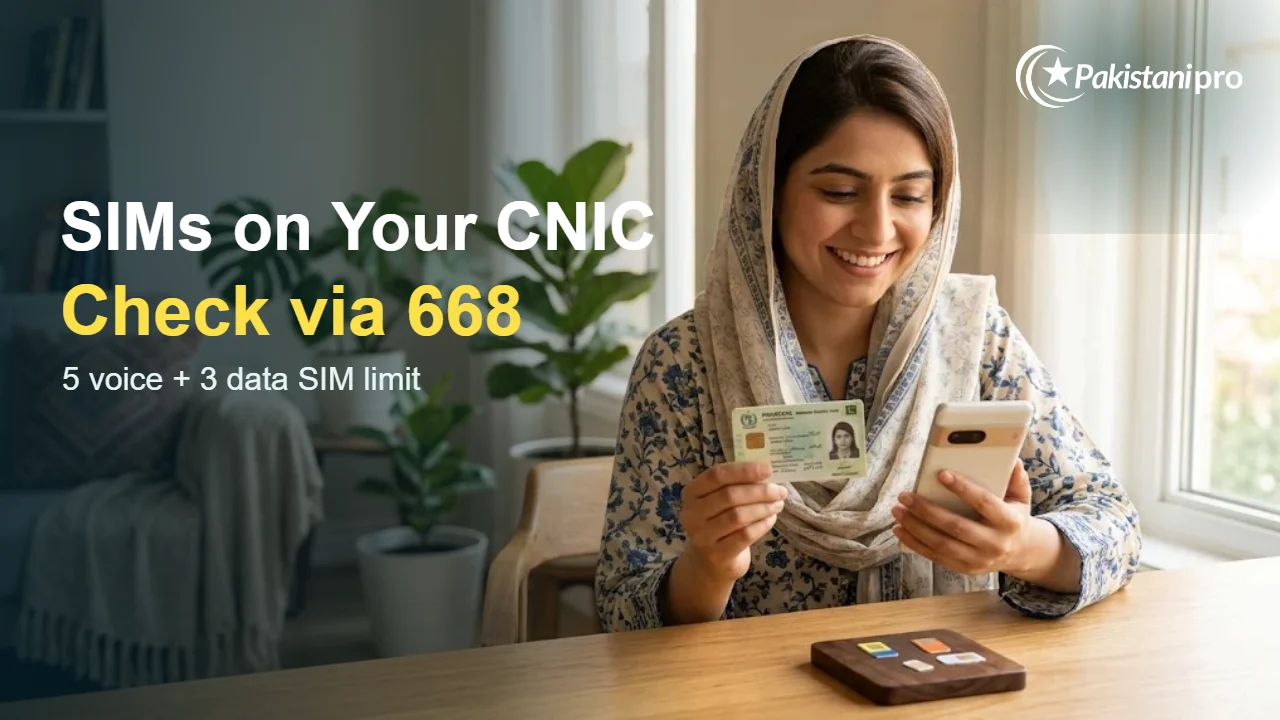
Quick answer: To check SIMs on your CNIC and see how many are registered, send your 13-digit CNIC number (without dashes) by SMS to 668, or enter it on the SIM Information System portal at cnic.sims.pk. Under PTA rules, one CNIC can hold at most 5 voice SIMs and 3 data SIMs for personal use.
Checking matters: PTA has warned that any misuse of a SIM is the sole responsibility of the person it is registered to. If you find a SIM you never bought, get it removed straight away.
SIM Check Helper
The SMS button opens your phone’s messages app with 668 and your CNIC filled in. Just press Send. The website button opens the official SIM Information System, where you enter your CNIC and the captcha yourself. Pakistanipro does not save or send your CNIC. Everything stays on your device.
Two Ways to Check SIMs on Your CNIC
| Method | What to do | What you get |
|---|---|---|
| SMS to 668 | Type your CNIC number without dashes (e.g. 3520212345671) and send it to 668 | A reply with the number of SIMs registered on your CNIC and the mobile company for each |
| Online portal | Open cnic.sims.pk, enter your CNIC (foreign nationals select Foreign ID) and press Submit | The total number of SIMs registered on that CNIC |
Neither method shows the actual phone numbers, only counts. To see the full numbers, visit your operator’s franchise with your original CNIC.
Step by Step: Check by SMS (668)
- Open the messages app on any active mobile number.
- Type your 13-digit CNIC number with no dashes or spaces.
- Send it to 668.
- Read the reply. It lists how many SIMs each company (Jazz, Zong, Telenor, Ufone) has issued on your CNIC.
Step by Step: Check Online
- Go to cnic.sims.pk (SIM Information System).
- Enter your CNIC number, or choose “Foreign ID” if you are a foreign national.
- Complete the verification step and press Submit.
- The page shows the total number of SIMs on your CNIC.
How Many SIMs Are Allowed on One CNIC?
| SIM type | Maximum per CNIC (personal use) |
|---|---|
| Voice SIMs | 5 |
| Data SIMs | 3 |
The limits are as reported from PTA regulations in December 2025. Corporate connections follow separate rules.
Found a SIM You Don’t Recognise? Do This
- Note which company issued it from the 668 reply.
- Visit that company’s franchise or customer service centre with your original CNIC. Ask them to show the numbers on your CNIC and block or remove the one that isn’t yours. Biometric verification is usually required.
- Keep the complaint or ticket number as proof.
- If the SIM was used for fraud, report it to the NCCIA. See how to report cybercrime.
Read PTA’s current rules on deactivation in PTA SIM blocking rules 2026. If your CNIC itself is lost, start with NADRA lost CNIC replacement so no one can misuse it to get SIMs.
Good Habits to Protect Your CNIC
- Check your SIM count every few months, and always after losing your CNIC or phone.
- Never give your thumbprint to street vendors for “free gifts” or “prize” offers. Thumbprints are used to issue SIMs.
- When you stop using a SIM, close it at the franchise instead of just throwing it away. Unused numbers can be recycled to new users, which can affect linked accounts like WhatsApp. See PTA and Meta blocking WhatsApp accounts on recycled SIMs.
FAQs
Does 668 tell me the actual phone numbers?
No. It gives the count of SIMs per mobile company. For the numbers themselves, visit the operator’s franchise with your original CNIC.
Can I check SIMs on someone else’s CNIC?
The system accepts any CNIC number, but only check your own or a family member’s with their permission. Removing a SIM requires the CNIC holder’s own biometric verification.
What happens if I have more than the allowed SIMs?
Extra connections can be blocked under PTA rules. Close SIMs you don’t use to stay within 5 voice and 3 data SIMs.
Sources: SIM Information System portal (checked 10 November 2026); PTA notice on the 668 SIM Information System; SIM limits and PTA warning as reported by Dawn (26 December 2025).