
Lost or Damaged CNIC? NADRA Explains How to Get a Replacement
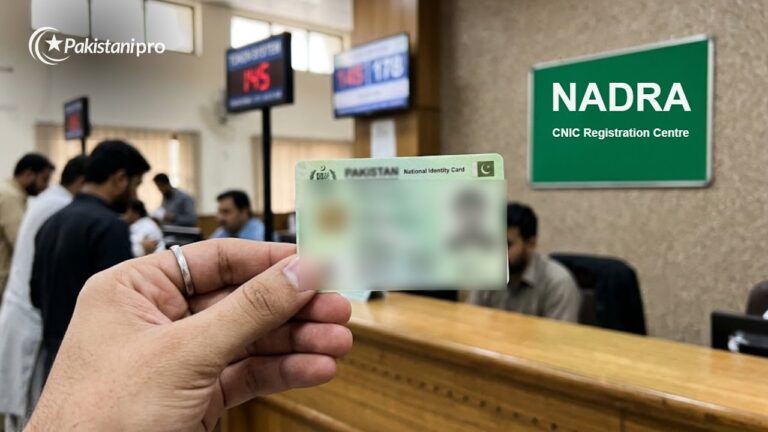
NADRA has shared a step-by-step guide for replacing a lost or damaged CNIC, NICOP or POC at a registration centre.

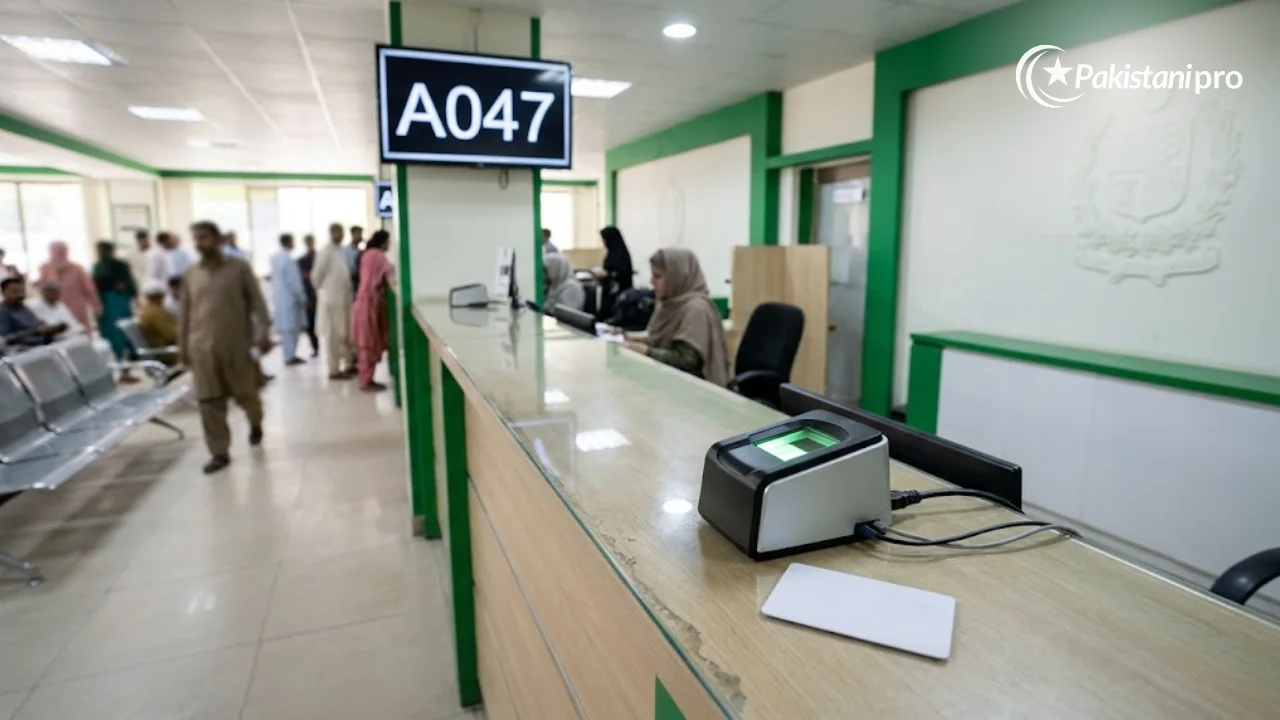
Lost CNIC replacement is simple: if your card is lost or damaged, you can get a replacement (reprint) by visiting any NADRA Registration Centre with your CNIC number, completing biometric verification and paying the fee. NADRA explained the process in a video guide on its official Facebook page, shared on 3 November 2026. The same steps apply to NICOP and Pakistan Origin Card (POC) holders.
You do not need the old card itself. The key requirement is your 13-digit CNIC number.
Lost CNIC replacement at a glance
| Item | Detail |
|---|---|
| Cards covered | CNIC, NICOP, POC |
| Where | Any NADRA Registration Centre (online option via Pak ID app/portal) |
| Main requirement | Number of the lost or damaged card |
| Verification | Fingerprints, photo and iris scan |
| Payment | At the centre, by scanning the QR code on your token |
| Fee | Depends on card type and processing category (normal, urgent, executive) |
How to replace a lost or damaged CNIC: 5 steps
- Get a token: visit a NADRA Registration Centre and take a token from reception, then wait for your turn.
- Biometric verification: at the counter, NADRA staff capture your fingerprints, photograph and iris scan to confirm your identity.
- Approval: go to the officer in charge, who reviews and approves the application.
- Pay the fee: once approved, pay by having the QR code on your token scanned. The amount depends on the card type and whether you choose normal, urgent or executive processing.
- Collect the card: after the processing time for your category, collect your new card from the centre.
Can I apply online?
Yes. NADRA’s Pak ID mobile app and web portal (id.nadra.gov.pk) offer card reprint and renewal services, with the card delivered by courier. You will need fingerprint verification through the app and an online payment. This is useful for overseas Pakistanis who need a NICOP replacement.
Report a lost CNIC first
A lost CNIC can be misused to issue SIMs or open accounts. Before or after applying for a replacement:
- Check how many SIMs are registered on your CNIC by sending your CNIC number to 668, and block any you do not recognise.
- Inform your bank so it can flag any unusual activity.
- If the card was stolen, file a report with the local police.
Fees: check the official schedule
NADRA revises fees from time to time, and the amount differs for CNIC, NICOP and POC and for each processing category. Check the current fee on NADRA’s website or the Pak ID app before you go, and pay only at the counter or through official channels. Do not pay agents outside the centre.
Related guides: NADRA CNIC renewal and BISP 8171 check by CNIC.
How long does a replacement CNIC take?
Processing time depends on the category you pay for. Normal processing takes the longest, urgent is faster and executive is the quickest, but the fee rises with speed. NADRA shows the expected delivery date on your receipt, and you can track the application status by SMS or on the Pak ID portal using your tracking ID. If you need the card for a deadline such as a job application, a bank account or travel, choose urgent or executive processing.
Frequently asked questions
What do I need to replace a lost CNIC?
The number of your lost or damaged CNIC. Your identity is confirmed through biometrics at the centre.
Can someone else collect my replacement CNIC?
Collection rules are set by NADRA; normally the applicant collects the card in person. Ask at the centre when you apply.
Is a duplicate CNIC the same number?
Yes. A reprint keeps the same CNIC number; only the physical card is reissued.
Sources: NADRA video guide on its official Facebook page (3 November 2026); NADRA official website; Pak ID portal.