

WhatsApp Group Chat Gets 4 Useful New Features: Pins, Mentions and More
WhatsApp is rolling out four new tools for group chats, from permanent pins to a filter that shows only messages where you were mentioned.

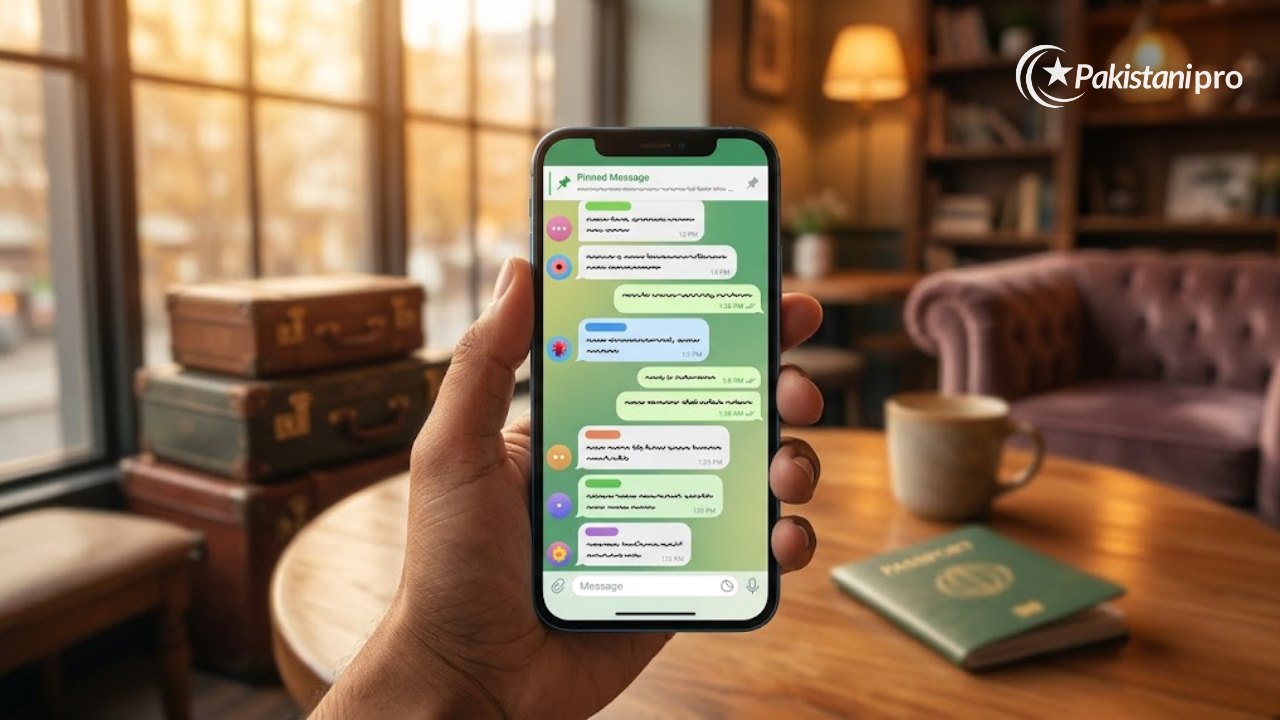
WhatsApp group chat users are getting four new features: a “Mentions and replies” filter, message pins that never expire, the option to share recent messages with members who already joined, and status updates visible only to one group. WhatsApp said in its official blog that the features are rolling out and may take some time to reach every user.

4 new WhatsApp group chat features
| Feature | What it does |
|---|---|
| Mentions and replies filter | Shows only group chats where you were @mentioned (including @all) or got a direct reply |
| Pins with no expiry | Pin a group message indefinitely, not just for 24 hours, 7 days or 30 days |
| Share recent messages later | Send recent chat history to someone after they have joined the group |
| Group status | Post a status that only members of a specific group can see |
1. Mentions and replies filter
Swipe down on your chat list to open the filters (next to Unread, Favourites and Groups) and tap the new “Mentions and replies” option. It shows only unread group conversations where someone mentioned you or replied to your message, which helps in large family, office or university groups.
2. Pin messages indefinitely
Group messages can now stay pinned until someone removes them. This is useful for rules, addresses, fee schedules or meeting links that members need to find often.
3. Share recent messages with new members
Earlier, recent messages could be shared only at the moment someone was added. Now you can tap a new member’s name in the chat and send them the recent messages afterwards, so people who join via an invite link can catch up.
4. Group status
You can post a status update that only members of one group see. Others in the group can view, react and add their own, and the statuses disappear after 24 hours, like normal status.
What it means for Pakistani users
WhatsApp groups are how many Pakistani families, schools and businesses share notices. Permanent pins and the mentions filter make it easier to keep important information visible and not miss messages meant for you. Be careful with the new message-sharing option in groups with sensitive content, since new members can be sent earlier conversation. As always, never share one-time codes sent to your phone; see our guide on cyber fraud in Pakistan. Looking for a data bundle for heavy WhatsApp use? Compare Jazz monthly packages.
How to get the new WhatsApp group chat features
- Android: open the Google Play Store, search for WhatsApp and tap Update if the option appears.
- iPhone: open the App Store, tap your profile picture and update WhatsApp from the list of pending updates.
- Restart WhatsApp after updating. Because the rollout is gradual, some features may appear a few days later even on the latest version.
Tips for a calmer WhatsApp group chat
- Mute busy groups and use the new Mentions and replies filter to catch only messages meant for you.
- Ask admins to pin key information, such as rules or fee dates, instead of reposting it.
- Admins can limit who can change group settings or send messages, which helps in large family or school groups.
- Think before sharing recent messages with a new member if the WhatsApp group chat contains private information.
Frequently asked questions
Why don’t I see the new WhatsApp features yet?
WhatsApp is rolling them out gradually. Keep the app updated from the Play Store or App Store.
Can anyone in a group pin a message forever?
It depends on the group’s settings. Admins can restrict editing group settings, which can limit who is able to pin.
Sources: WhatsApp official blog (October 2026); 9to5Mac (30 October 2026).